
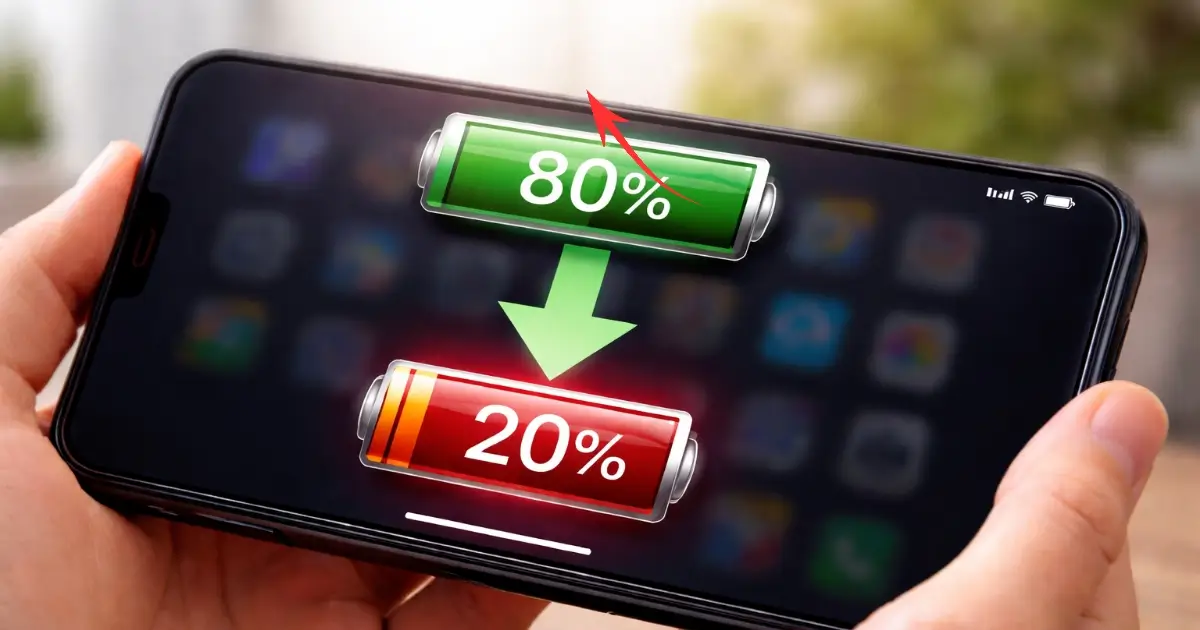
If your phone drops from 70% to 20% in just a few minutes, it feels scary.
One moment you think you have enough charge. Next moment the phone is about to die. Why Is My Phone Battery Draining So Fast From 70% to 20% Within 10 Minutes Most people assume something is seriously wrong. And honestly, in many cases, they are right. This kind of sudden battery drop is not normal behavior.
It usually means the phone can no longer judge its battery properly or the battery itself is failing.
Let’s break this down in a simple, calm way.
Also Read : Adani Electric Scooter Price In India – 250Km Range, Morden & Powerful Charging Technology – ₹75,000
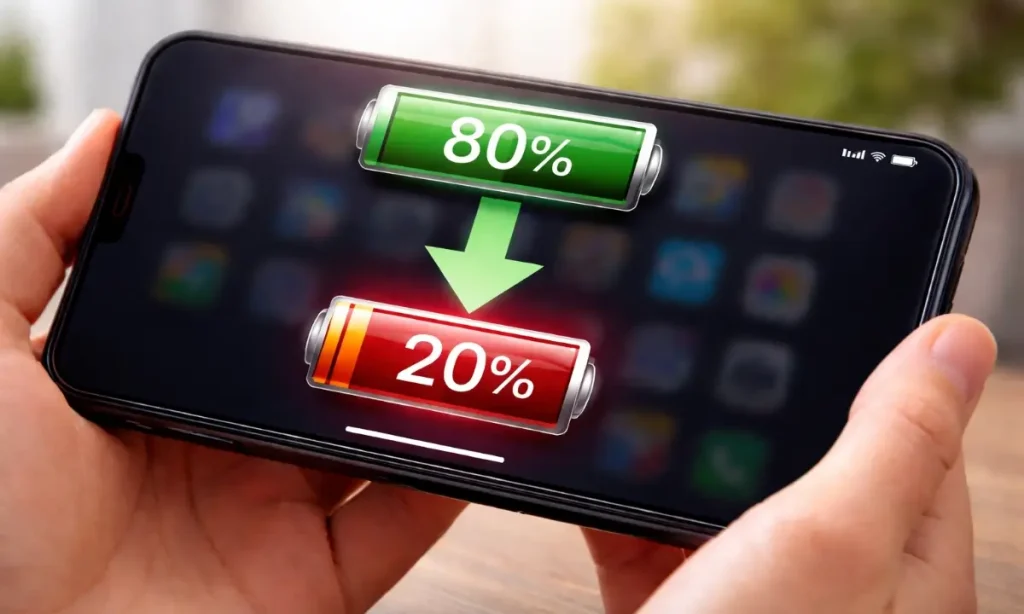
Why This Problem Matters More Than You Think
A fast drain like this is not just about inconvenience.
It affects how reliable your phone is in daily life.
You might miss calls.
Maps may shut down in the middle of navigation.
UPI payments can fail.
Emergency situations become risky.
Many users keep ignoring this issue and only react when the phone starts shutting off at 30% or 40%.
By that time, the battery is usually already damaged.
Understanding the reason early helps you decide one thing clearly.
Can this be fixed with settings, or is it time for a battery replacement?
First, Ask Yourself These Simple Questions
Before jumping to conclusions, answer these honestly:
- How old is my phone?
- Does it heat up during normal use?
- Does the battery drop faster after updates?
- Does it shut down even when charge shows 20% or 30%?
- Does the battery percentage jump up or down suddenly?
Your answers already point to the likely cause.
Also Read : Which Is Better Activa 7G or 6G? (A Real-Life Buying Guide)
The Real Reasons Behind Sudden Battery Drops
Let’s go through the causes one by one.
No technical jargon. Just real explanations.
1. Battery Health Is Already Weak
This is the most common reason.
Phone batteries are not permanent.
Lithium-ion batteries slowly wear out with time.
After around 1.5 to 2 years of regular use, most batteries lose a big part of their original capacity.
What happens then?
- The phone shows 70%, but the battery cannot actually hold that much power
- Voltage drops suddenly under load
- The system recalculates and jumps to 20%
This is why the drop feels instant.
Pros of this explanation
- Very common
- Easy to confirm
- Easy to fix with battery replacement
Limits
- Cannot be solved by settings
- Software updates won’t help much
If your phone is more than two years old, this is likely the main reason.
2. Battery Calibration Is Off
Sometimes the battery is not fully dead.
The phone just does not understand its real charge level.
This usually happens when:
- You charge randomly
- You unplug at 80% often
- The phone rarely reaches 100% or 10%
The software loses track of the actual battery state.
So it shows fake confidence at 70%, then suddenly corrects itself.
Good sign
- Happens even on newer phones
- Can sometimes be fixed at home
Limit
- Works only if battery health is still decent
Calibration issues are common but not permanent damage.
3. Heavy Background App Activity
Many apps keep working even when you are not using them.
Common examples:
- Social media apps
- Location tracking apps
- Fitness apps
- Cloud backup services
If several such apps run together, the battery drains fast.
Now here’s the problem.
When the battery is already weak, heavy background usage makes the percentage drop look extreme.
Pros
- Can be controlled
- No money required
Limits
- Not the main cause if drop is extreme
- Only adds pressure to a weak battery
4. Poor Network Signal
This one surprises many people.
When your phone struggles to find signal:
- It keeps searching
- Antennas work harder
- Power usage increases
In areas with weak network coverage, battery drain speeds up.
Again, this alone won’t cause a 50% drop.
But combined with an old battery, it becomes visible.
5. Overheating Issues
Heat is a battery’s enemy.
If your phone:
- Gets hot during charging
- Heats up while scrolling
- Feels warm even when idle
Then battery performance drops sharply.
Heat temporarily reduces capacity.
In the long run, it causes permanent damage.
Phones used while charging or kept under pillows often suffer from this.
6. Software Bugs or Recent Updates
Sometimes the problem starts right after:
- A major OS update
- A beta update
- An app update with bugs
Battery optimization can break temporarily.
This is less common but still possible.
Clue
- Battery drain started suddenly after an update
- Phone is otherwise new
In such cases, fixes may come through updates or resets.
What You Can Do Right Now (Step by Step)
Let’s talk solutions.
Start with the easiest ones.
Step 1: Check Battery Usage
Go to:
Settings > Battery > Usage
Look for:
- Apps draining unusually high power
- Apps running in background constantly
If one app stands out, restrict its background activity.
Step 2: Restart the Phone
This sounds basic, but it works more often than people expect.
A restart clears stuck processes and minor bugs.
Do this before trying anything complex.
Step 3: Reduce Stress on the Battery
Simple changes help:
- Lower screen brightness
- Turn off GPS when not needed
- Disable Bluetooth if unused
- Avoid gaming when battery is low
- Stop using phone while charging
These steps won’t fix a dead battery, but they reduce sudden drops.
Step 4: Try Battery Calibration (Once)
Only try this if your phone is not too old.
- Use phone until it drops to around 10%
- Power it off
- Charge to 100% without interruption
- Keep charging for 30 more minutes
- Restart the phone
Do this once or twice, not daily.
If calibration helps, the battery percentage will behave more smoothly.
Step 5: Watch Temperature
If your phone heats up:
- Remove the case temporarily
- Avoid charging in hot rooms
- Never charge under pillows or blankets
Heat damage is often silent but permanent.
Common Mistakes People Make
Many users unknowingly make things worse.
- Installing battery saver apps that do more harm than good
- Charging with cheap cables and adapters
- Letting battery drop to 0% regularly
- Ignoring heat warnings
- Hoping updates will magically fix hardware problems
Avoid these mistakes. They shorten battery life fast.
Should You Replace the Battery or the Phone?
Here’s a simple guide.
Battery replacement makes sense if:
- Phone works fine otherwise
- Performance is still smooth
- Camera and display are okay
- Phone is under 3 years old
Battery replacement is usually affordable and restores normal usage.
Consider a new phone if:
- Battery + performance both are bad
- Phone heats excessively
- Software updates have stopped
- Repair cost is too high
Replacing the battery does not mean the phone becomes new, but it becomes reliable again.
A Quick Reality Check
One honest opinion from experience.
If your phone drops from 70% to 20% in 10 minutes regularly, the battery is already near the end.
Settings can help slightly.
Calibration can help sometimes.
But they won’t reverse battery aging.
Accepting this early saves frustration.
FAQs – People Also Ask
Why Is My Phone Battery Draining So Fast From 70% to 20% Within 10 Minutes
Because the battery voltage drops too low. The phone shuts down to protect itself.
Is fast charging causing this issue?
Fast charging increases heat. Over time, it can speed up battery wear if heat is not controlled.
Can software updates fix battery drain?
Only if the issue is software-related. They cannot fix physical battery damage.
Is it safe to keep using a phone with this problem?
Yes, but expect sudden shutdowns. It’s unreliable for important tasks.
Do battery health apps show accurate data?
They give rough estimates. Service center tools are more accurate.
Should I drain battery fully to fix it?
No. Deep discharges harm lithium batteries more.
Final Conclusion
Sudden battery drops are frustrating, but they are also a clear signal.
Your phone is telling you something is wrong.
Sometimes it’s a simple software issue.
Most times, it’s battery aging.
Once you understand the cause, the decision becomes easier.
Tweak settings if needed.
Replace the battery if required.
Or plan an upgrade calmly, without panic.
The goal is not perfection.
The goal is a phone you can trust when you need it.